
And now in this article you can find out which MacBook Pro you have, and where it fits in the history of MacBook Air.
Your MacBook Air has some tools to guide you identify its model and specifications. The simplest is About This Mac, available by choosing About This Mac from the Apple () menu in the upper-left corner of screen. The other is the System Information app. Learn how to use these tools to identify your MacBook Air.
If you don’t have your MacBook or it doesn’t start up, use one of these solutions instead:
- Find the serial number printed on the underside of your MacBook, near the regulatory markings. It’s also on the original packaging, next to a barcode label. You can then enter that serial number on the Check Coverage page to find your model.
- The original packaging might also show an Apple part number, such as MQD32xx/A (“xx” is a variable that differs by country or region). You can match the Apple part number to one in the list below to find your model.
List of MacBook Air models
MacBook Air models are organized by the year they were introduced, starting with the most recent. Click the model name for detailed technical specifications.
MacBook Air models from 2012 and newer can run the latest version of macOS. For models from before 2012, the latest compatible operating system is noted.
2020
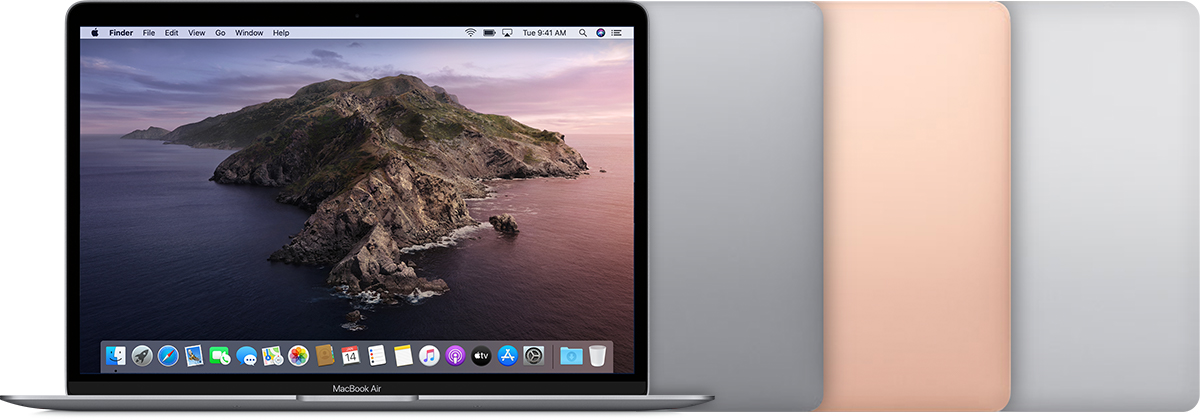
MacBook Air (Retina, 13-inch, 2020)
Colors: Space gray, gold, silver
Model Identifier: MacBookAir9,1
Part Numbers: MVH22xx/A, MVH42xx/A, MVH52xx/A, MWTJ2xx/A, MWTK2xx/A, MWTL2xx/A
Tech Specs: MacBook Air (Retina, 13-inch, 2020)

2019
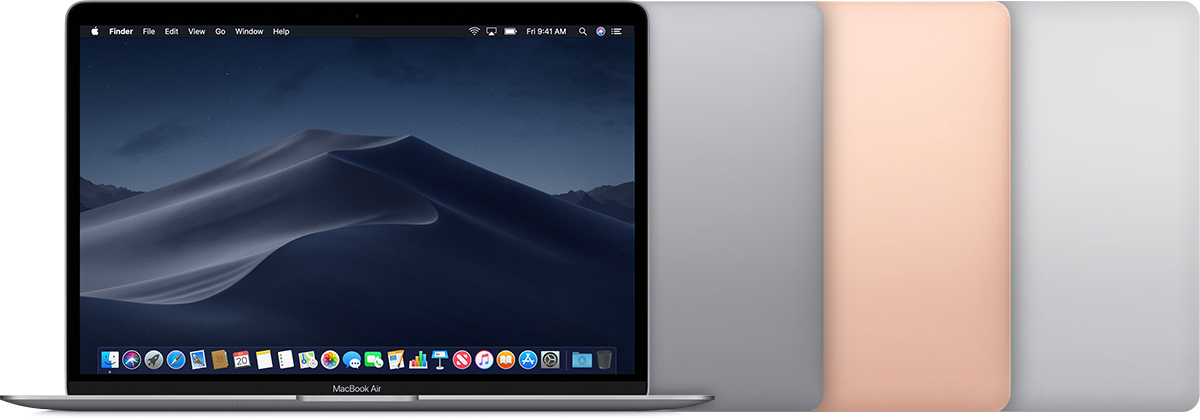
MacBook Air (Retina, 13-inch, 2019)
Colors: Space gray, gold, silver
Model Identifier: MacBookAir8,2
Part Numbers: MVFH2xx/A, MVFJ2xx/A, MVFK2xx/A, MVFL2xx/A, MVFM2xx/A, MVFN2xx/A, MVH62xx/A, MVH82xx/A
Tech Specs: MacBook Air (Retina, 13-inch, 2019)
2018
MacBook Air (Retina, 13-inch, 2018)
Colors: Space gray, gold, silver
Model Identifier: MacBookAir8,1
Part Numbers: MRE82xx/A, MREA2xx/A, MREE2xx/A, MRE92xx/A, MREC2xx/A, MREF2xx/A, MUQT2xx/A, MUQU2xx/A, MUQV2xx/A
Tech Specs: MacBook Air (Retina, 13-inch, 2018)
2017
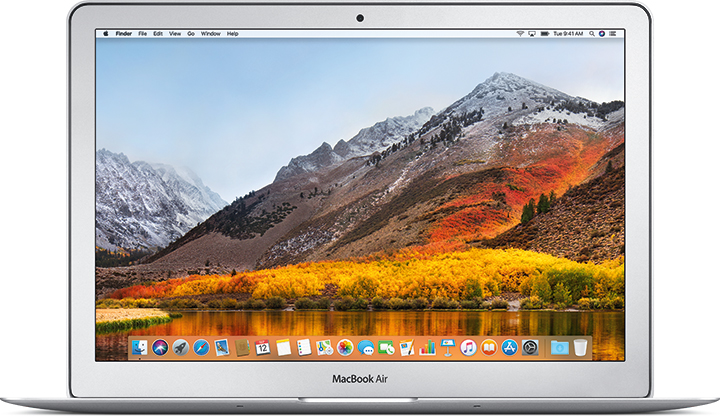
MacBook Air (13-inch, 2017)
Model Identifier: MacBookAir7,2
Part Numbers: MQD32xx/A, MQD42xx/A, MQD52xx/A
Tech Specs: MacBook Air (13-inch, 2017)
2015
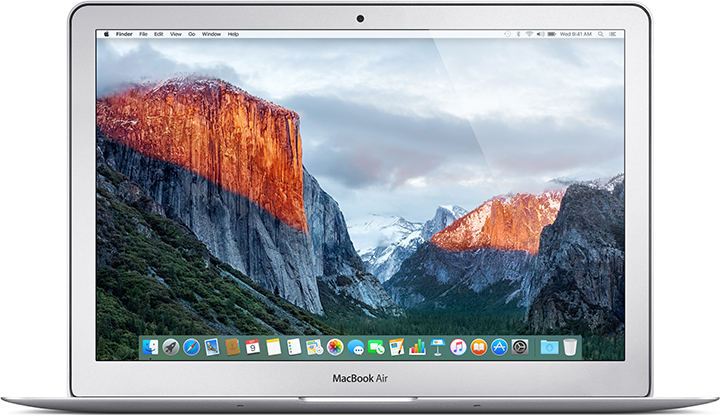
MacBook Air (13-inch, Early 2015)
Model Identifier: MacBookAir7,2
Part Numbers: MJVE2xx/A, MJVG2xx/A, MMGF2xx/A, MMGG2xx/A
Tech Specs: MacBook Air (13-inch, Early 2015)
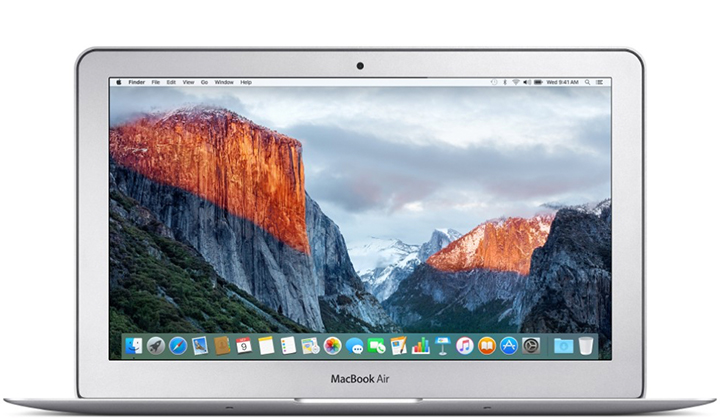
MacBook Air (11-inch, Early 2015)
Model Identifier: MacBookAir7,1
Part Numbers: MJVM2xx/A, MJVP2xx/A
Tech Specs: MacBook Air (11-inch, Early 2015)
2014
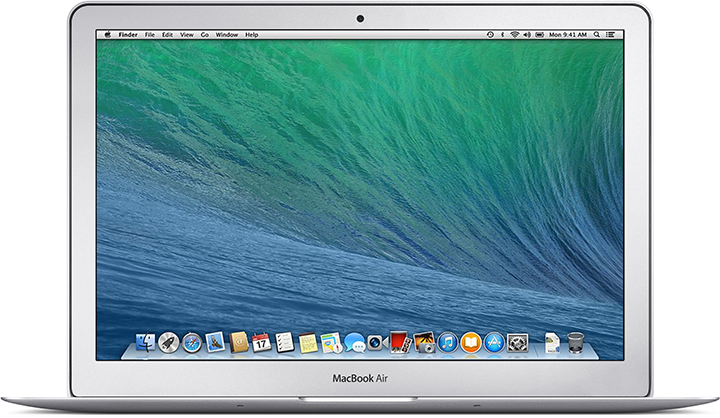
MacBook Air (13-inch, Early 2014)
Model Identifier: MacBookAir6,2
Part Numbers: MD760xx/B, MD761xx/B
Tech Specs: MacBook Air (13-inch, Early 2014)
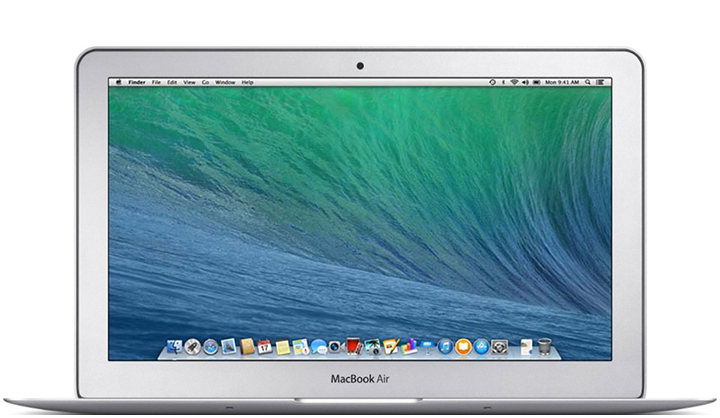
MacBook Air (11-inch, Early 2014)
Model Identifier: MacBookAir6,1
Part Numbers: MD711xx/B, MD712xx/B
Tech Specs: MacBook Air (11-inch, Early 2014)
2013
MacBook Air (13-inch, Mid 2013)
Model Identifier: MacBookAir6,2
Part Numbers: MD760xx/A, MD761xx/A
Tech Specs: MacBook Air (13-inch, Mid 2013)
MacBook Air (11-inch, Mid 2013)
Model Identifier: MacBookAir6,1
Part Numbers: MD711xx/A, MD712xx/A
Tech Specs: MacBook Air (11-inch, Mid 2013)
2012
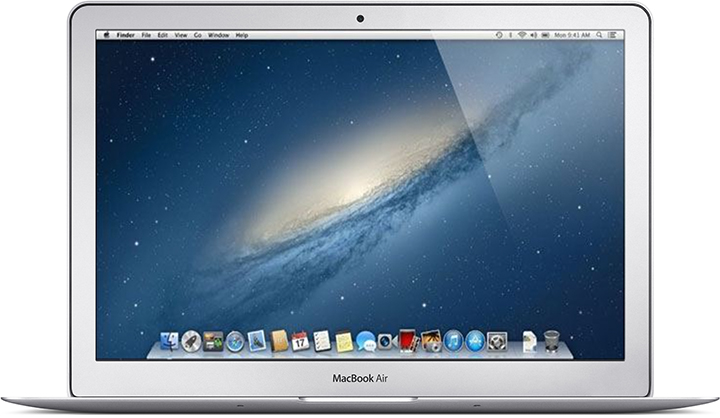
MacBook Air (13-inch, Mid 2012)
Model Identifier: MacBookAir5,2
Part Numbers: MD231xx/A, MD232xx/A
Tech Specs: MacBook Air (13-inch, Mid 2012)
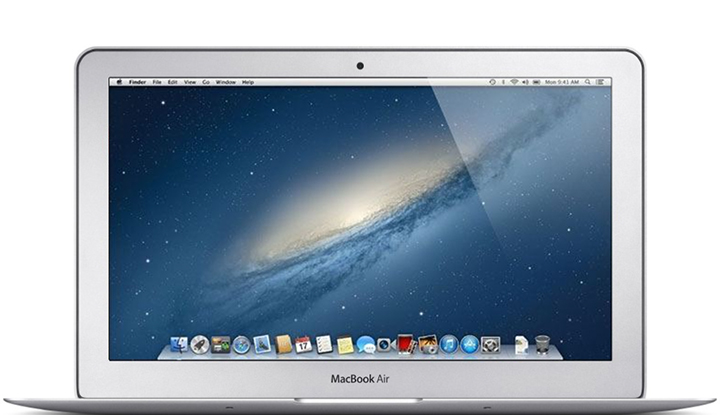
MacBook Air (11-inch, Mid 2012)
Model Identifier: MacBookAir5,1
Part Numbers: MD223xx/A, MD224xx/A
Tech Specs: MacBook Air (11-inch, Mid 2012)
2011
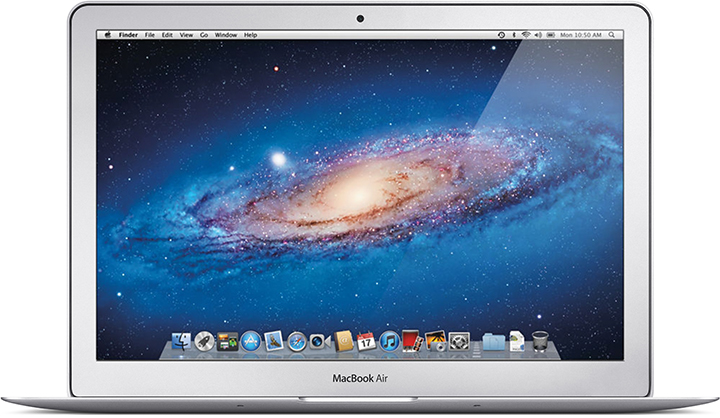
MacBook Air (13-inch, Mid 2011)
Model Identifier: MacBookAir4,2
Part Numbers: MC965xx/A, MC966xx/A
Newest compatible operating system: macOS High Sierra 10.13.6
Tech Specs: MacBook Air (13-inch, Mid 2011)
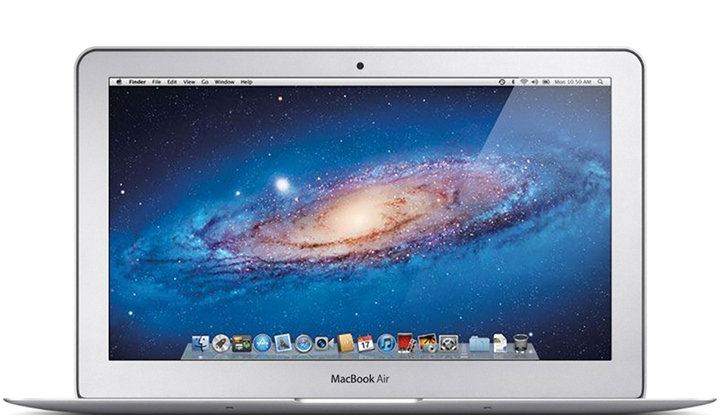
MacBook Air (11-inch, Mid 2011)
Model Identifier: MacBookAir4,1
Part Numbers: MC968xx/A, MC969xx/A
Newest compatible operating system: macOS High Sierra 10.13.6
Tech Specs: MacBook Air (11-inch, Mid 2011)
2010
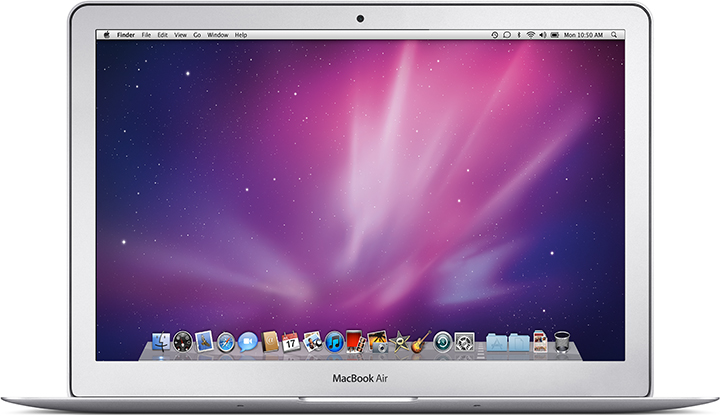
MacBook Air (13-inch, Late 2010)
Model Identifier: MacBookAir3,2
Part Numbers: MC503xx/A, MC504xx/A
Newest compatible operating system: macOS High Sierra 10.13.6
Tech Specs: MacBook Air (13-inch, Late 2010)
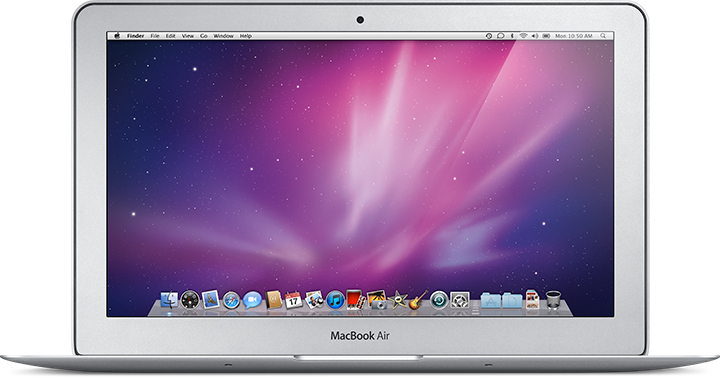
MacBook Air (11-inch, Late 2010)
Model Identifier: MacBookAir3,1
Part Numbers: MC505xx/A, MC506xx/A
Newest compatible operating system: macOS High Sierra 10.13.6
Tech Specs: MacBook Air (11-inch, Late 2010)
2009
MacBook Air (Mid 2009)
Model Identifier: MacBookAir2,1
Part Numbers: MC505xx/A, MC233xx/A, MC234xx/A
Newest compatible operating system: OS X El Capitan 10.11.6
Tech Specs: MacBook Air (Mid 2009)
TopTek System (TTS) is an Apple Authorized Service Provider. All of our technicians receive Apple training and they deliver the same high-quality service with genuine Apple parts and the proper tools, which provided and recommended by Apple, to open and close the device therefor the repairs are backed by Apple. Genuine Apple Parts are critical to a quality repair. Visit us to make sure you get your product back working the way it should.
To get service for your MacBook, you can call us or make a reservation online.
There’s no charge if your Macbook issue is covered under warranty, AppleCare+, or consumer law.
Not sure if you’re covered? Check your coverage by entering your Macbook serial number.
Most common MacBook Air/MacBook Pro Repair Services:
- MacBook Broken Screen Replacement
- MacBook Logic Board Replacement
- MacBook Mag safe 2/USB C (charging port) Replacement
- MacBook Battery Replacement
- MacBook Keyboard/TrackPad Replacement
- MacBook Water Damage Repair
