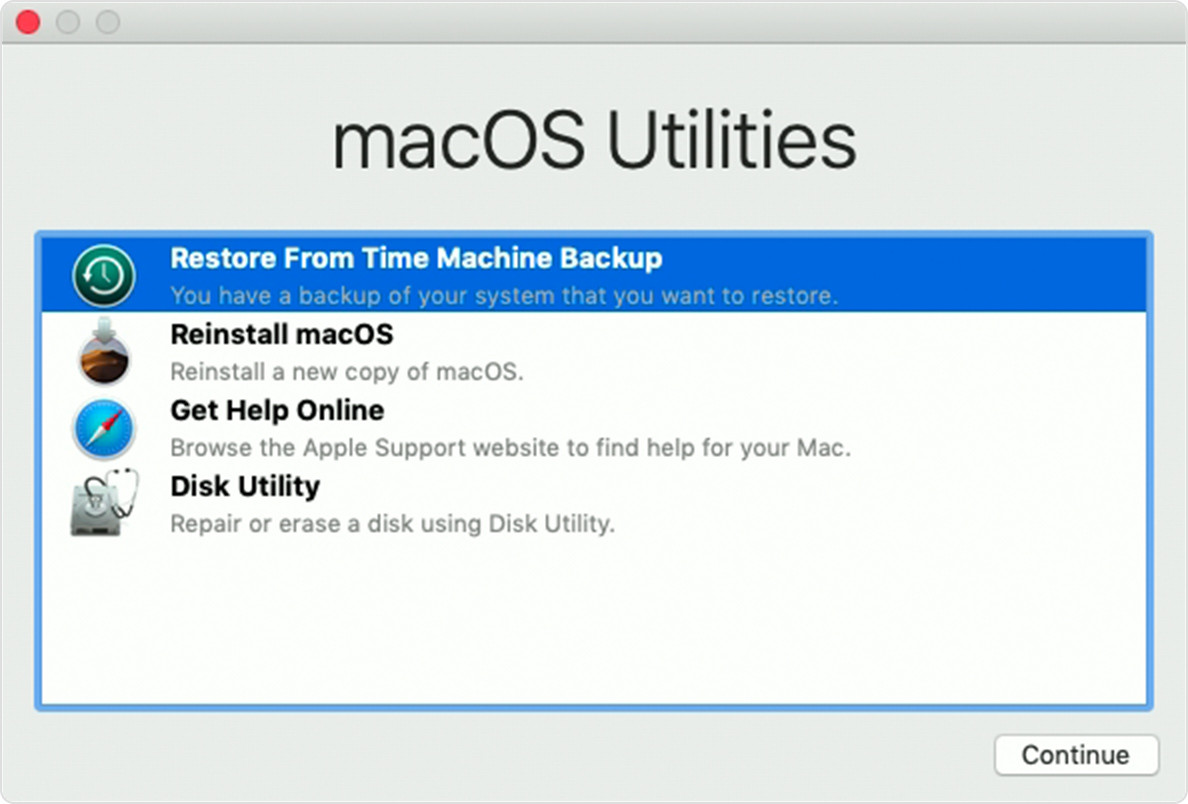
Actually Time Machine is the built-in backup feature of your Mac, but there are also different methods to back up and restore files.
As a matter of fact, you use Time Machine to back up your Mac, you can use third-party backup apps and services that are accessible from the App Store or other sources.
Use third-party apps
You should know that some backup utilities are organized to back up specific kinds of files, like photos or email. Others are planned to back up all kinds of your data. When you make a backup, it's good to back up to a different disk, like an external USB drive, Thunderbolt drive, or FireWire drive. For details about how to use a backup utility to back up your files or restore them from the backup, consider the rules included with the app.
Use cloud-based services
You may know that, Cloud-based services don't require you to connect an external hard drive to your Mac. For example, iCloud can automatically store your photos, calendars, contacts, notes, passwords, and more. And it contains iCloud Drive, which can store documents, desktop files, and other files of your choosing. In order to get those mentioned files, you just need to be signed in to iCloud. Other cloud-based services are available from third parties.
Use the Finder to drag files
You can also back up files such as documents, pictures, and movies by simply dragging them to a different disk, such as an external USB drive, Thunderbolt drive, or FireWire drive. To restore them, just drag them back.
MacBook Repair at TopTek System
TopTek System (TTS) is an Apple Authorized Service Provider. All of our technicians receive Apple training and they deliver the same high-quality service with genuine Apple parts and the proper tools, which provided and recommended by Apple, to open and close the device therefor the repairs are backed by Apple. Genuine Apple Parts are critical to a quality repair. Visit us to make sure you get your product back working the way it should.
To get service for your MacBook, you can call us or make a reservation online.
There's no charge if your Macbook issue is covered under warranty, AppleCare+, or consumer law.
Not sure if you're covered? Check your coverage by entering your Macbook serial number.
Most common MacBook Air/MacBook Pro Repair Services:
- LCD /Screen Replacement
- Logic Board Replacement
- Battery Replacement
- Water Damage
- Keyboard Replacement
